What Is Workplace Ergonomics?
Workplace ergonomics means designing your workspace to fit your body. When you set up your desk the right way, you can prevent back and neck pain. In fact, good ergonomics helps you stay comfortable and healthy at work. Many people spend hours at a desk, so even small changes can make a big difference. For example, adjusting your chair or screen can help you avoid pain. According to the CDC, proper ergonomics can lower the risk of injury and boost your work performance.
Common Causes of Back and Neck Pain at Work
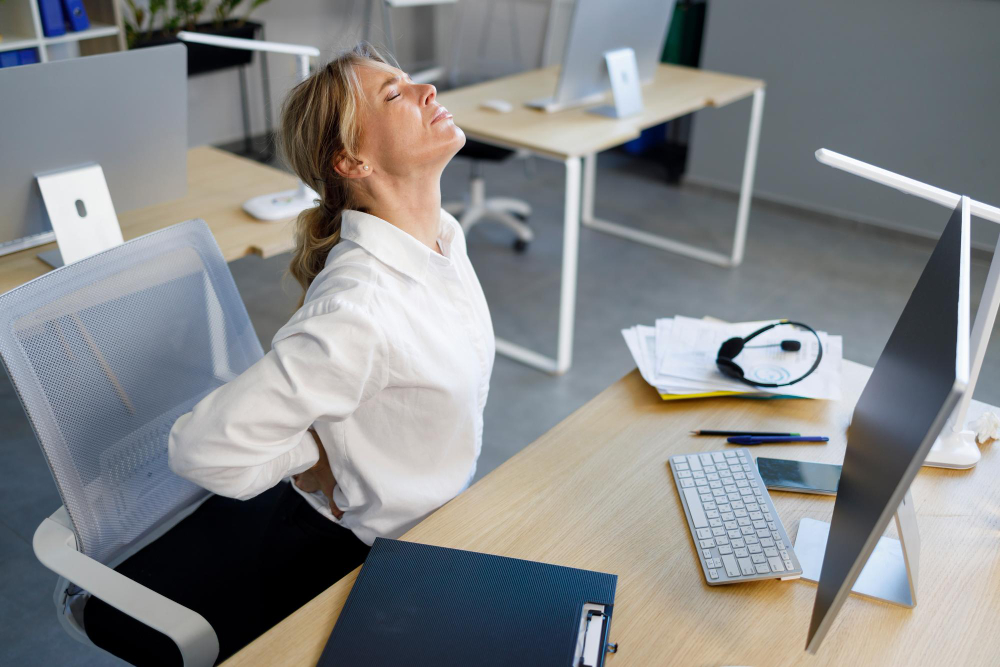
Many workers feel pain after sitting at a desk for long hours. Often, poor posture and bad desk setups are to blame. However, there are other reasons you might feel sore at work. Here are some common causes:
Because these habits are so common, many people develop back and neck pain from desk work. But you can avoid these problems with a few simple changes.
Step-by-Step Guide: Setting Up Your Desk Ergonomically
Setting up your desk the right way is key to preventing office back pain. Follow these steps for an ergonomic desk setup:
With these steps, you can create a workspace that supports your body and reduces pain.
Tips for Maintaining Good Posture Throughout the Day
Even with a good desk setup, you need to keep good posture. Here are some tips to help you stay comfortable:
Additionally, set reminders to check your posture every hour. Over time, these habits can help prevent neck pain from desk work.
Simple Desk Exercises to Prevent Pain
Moving your body during the day helps prevent pain. You do not need to leave your desk to stretch. Try these simple exercises:
Because these exercises are quick, you can do them several times a day. They help keep your muscles loose and reduce the risk of pain.
Prevention: Long-Term Strategies for a Healthy Workspace
For lasting comfort, you need to think about long-term habits. Here are some strategies for a healthy workspace:
According to the World Health Organization, regular movement and good posture are key to preventing office back pain. Over time, these habits can help you stay pain-free at work or at home.
In summary, setting up your desk with workplace ergonomics in mind can prevent back and neck pain. For the best results, combine a good desk setup with healthy habits and regular movement. Consult a physiotherapist or ergonomics specialist Dr. Shaily Chourasia for personalized advice on workplace setup.